
Jailbreak Tool Guides
palera1n Rootful Jailbreak
palera1n rootful jailbreak guide

Palera1n address:https://palera.in/Copy
Support equipment: iPhone 5s - iPhone X
Support for iOS version: iOS 15 - iOS 16.7.11
jailbreak, please make sure the device is not unlocked and please turn off my iPhone to prevent all accidents.
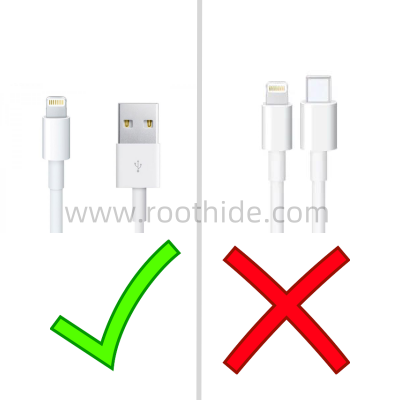
Use USB-A (the old apple data line) for jailbreak, and USB-C cannot jailbreak.
Special remarks:IfYes.A11 series equipment(e.g. iPhone X)andSystem is iOS16,If a password has been set previously, you need to erase all content and settings (back up the important data!!) before you can use the jailbreak with the palera1n.
It contains the following:
2、jailbreak guide;
3 and jailbreak
Install necessary dependency packages
jailbreak tool download:
palera1njailbreak tool Download
2, jailbreak guide:
Windows jailbreak guide
MacOSjailbreak guide
Here, for example, iPhone 7 iOS 15.8.4 MacOS equipment pre-installed palera1n
If the first jailbreak is to create a new APFS volume for rootful
Data line connectors, open terminals,Command LineInput palera1n -f -cCopy Get back to the car and start the palera1n.
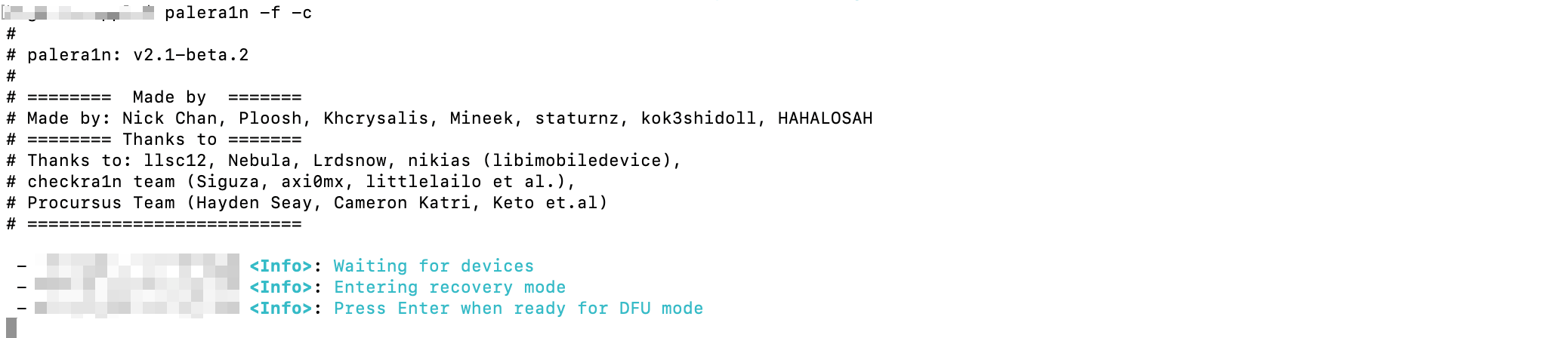
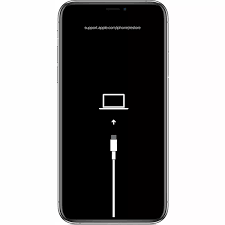
At this point, the chance goes into recovery mode.
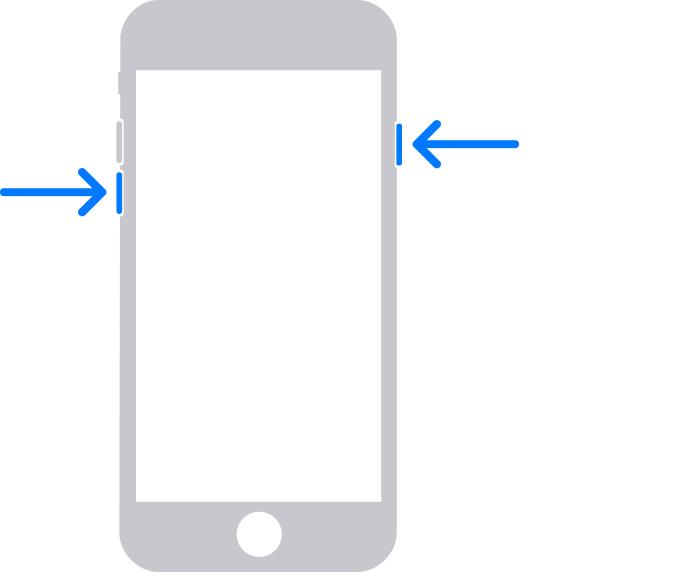
Point the finger above the volume of the cell phone - and turn on the key (do not press first),
(If there is an entity HOME key, iPhone 5s, 6s, 6s, s, etc.)Cell phone.HOME key and opening key)As shown in the figure below,
And then press the Enter key on Mac's computer.
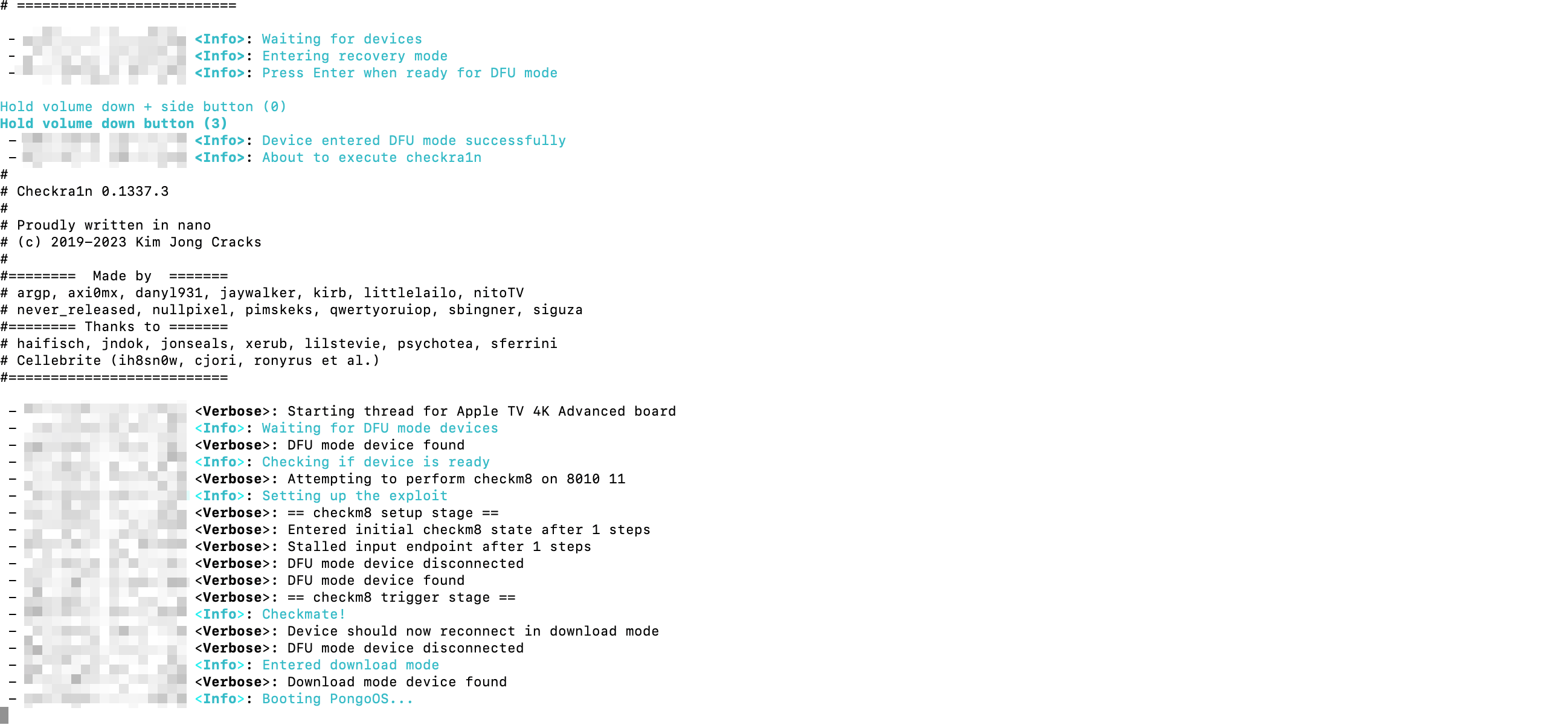
While pressing the return key, you immediately hold down the number of your cell phone - and open it for four seconds.
Untie the key and hold on.Cell phone.Volume - does not play.
Wait about 10 seconds to get into DFU mode and see jailbreak
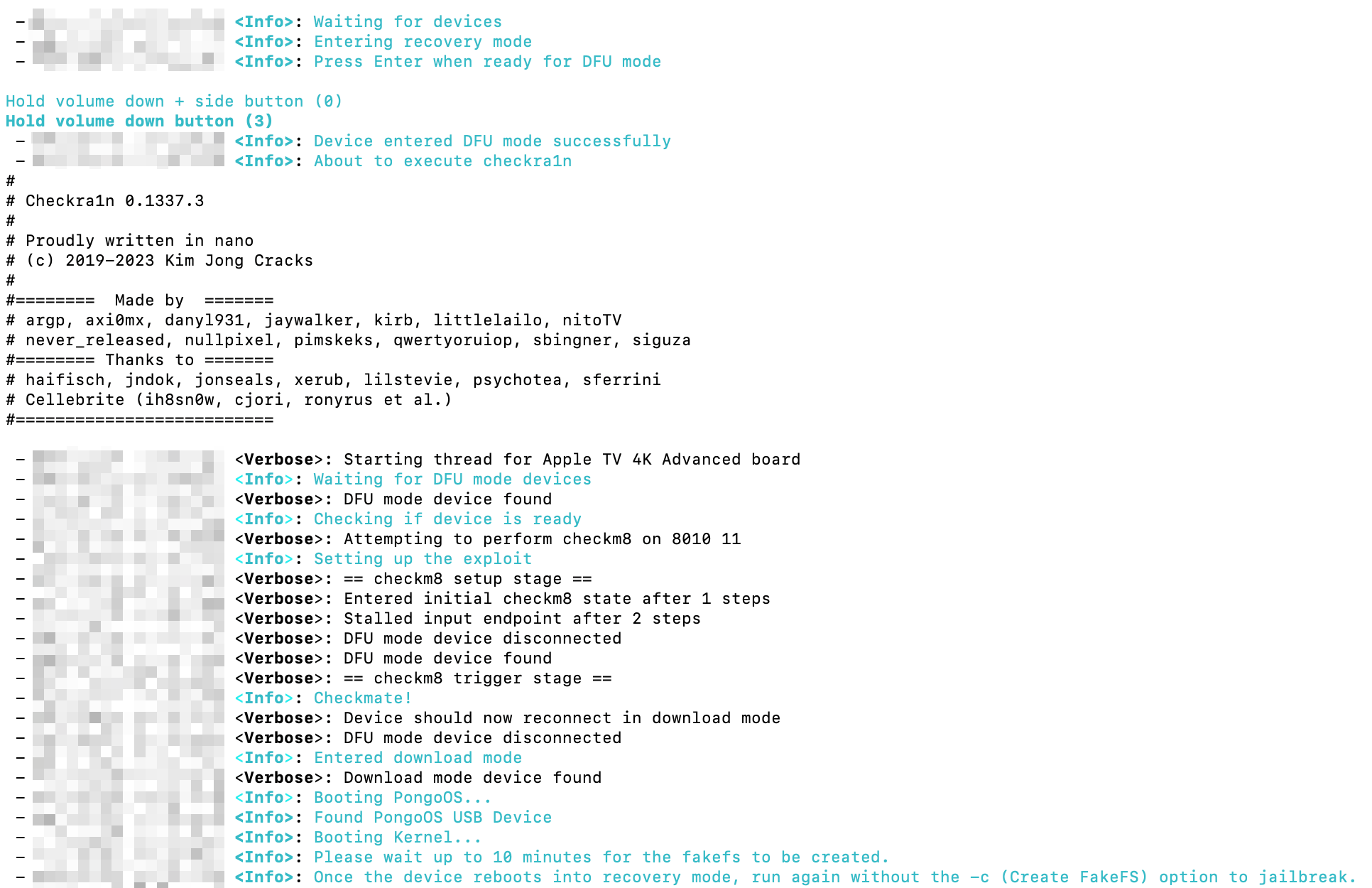
We'll have to wait here for about 10 minutes.
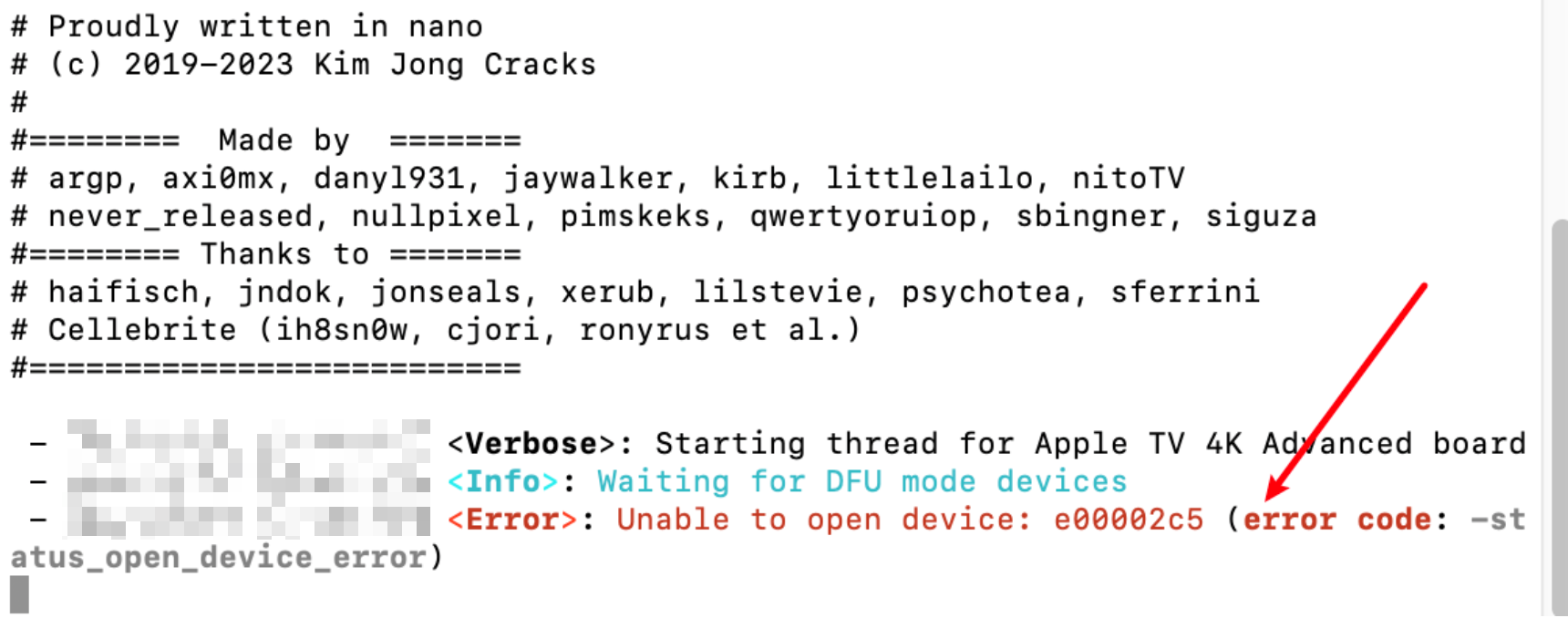
If it appears here, Unable to open device Red-word error. Re-plug the data lines.
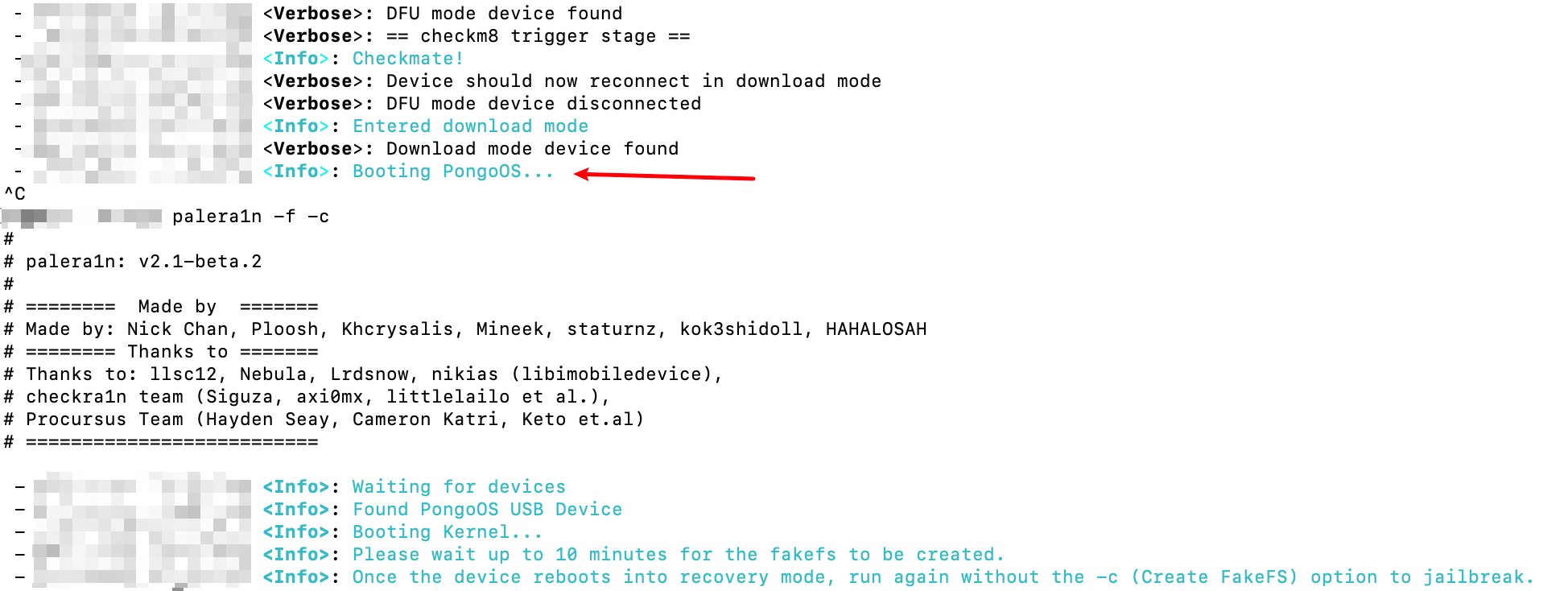
Some of the equipment will be stuck.Booting PongoOS does not move, you can close the window or CTRL+C abort the command and restart the command line terminal to run again palera1n -f -cCopy jailbreak will continue automatically.
Once the system partition is created, the cell phone is automatically restarted and automatically re-engineered. palera1n -fCopy
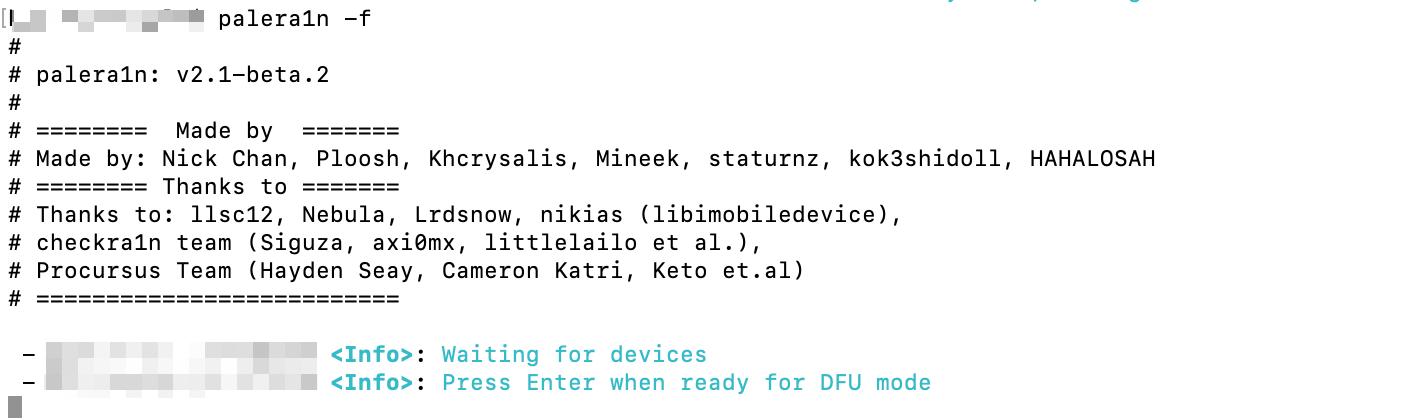
Enter DFU mode as before
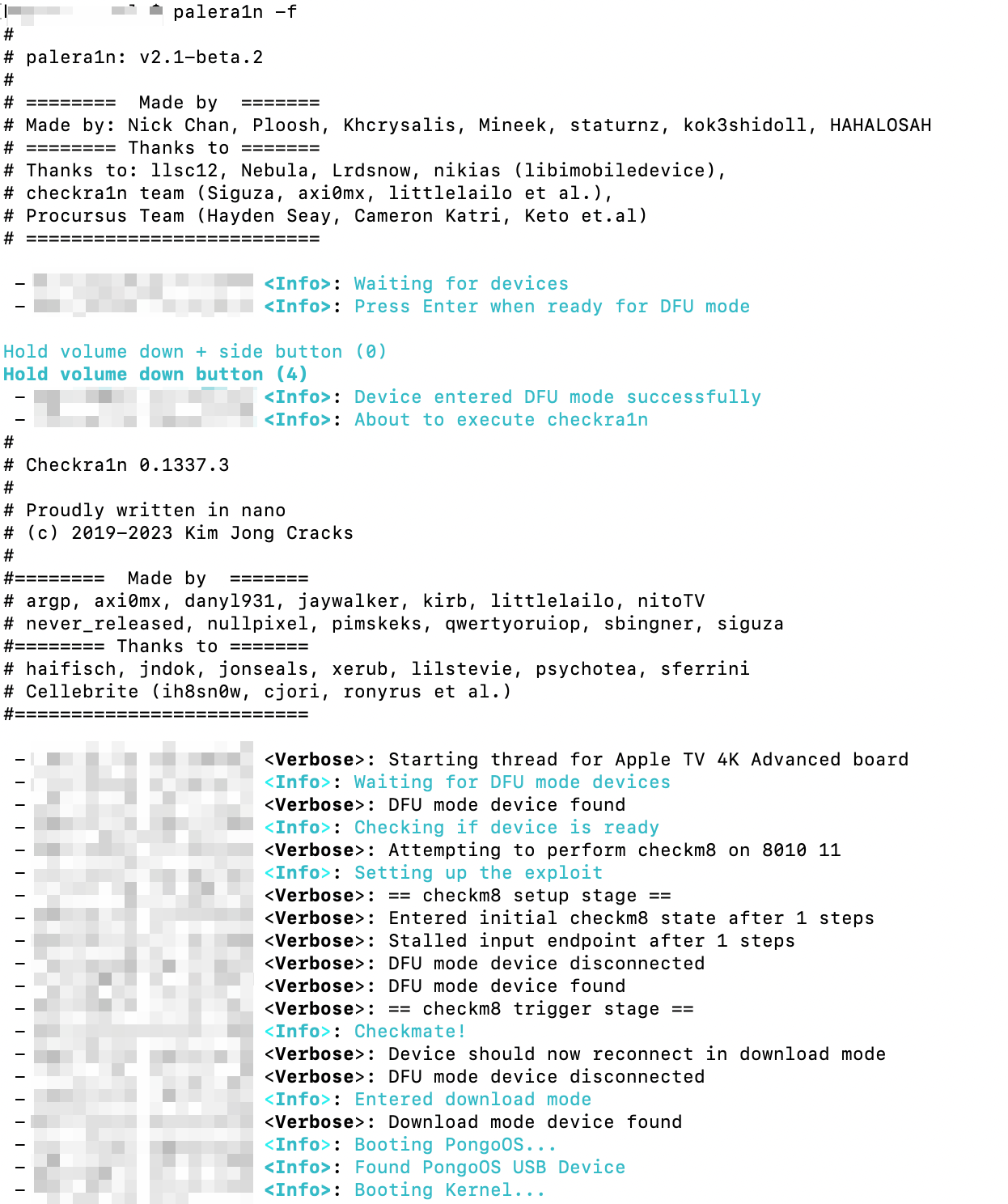
When the Palera1n jailbreak process is completed, the device is automatically restarted, a palera1n icon appears on the cell phone screen, and jailbreak is completed.
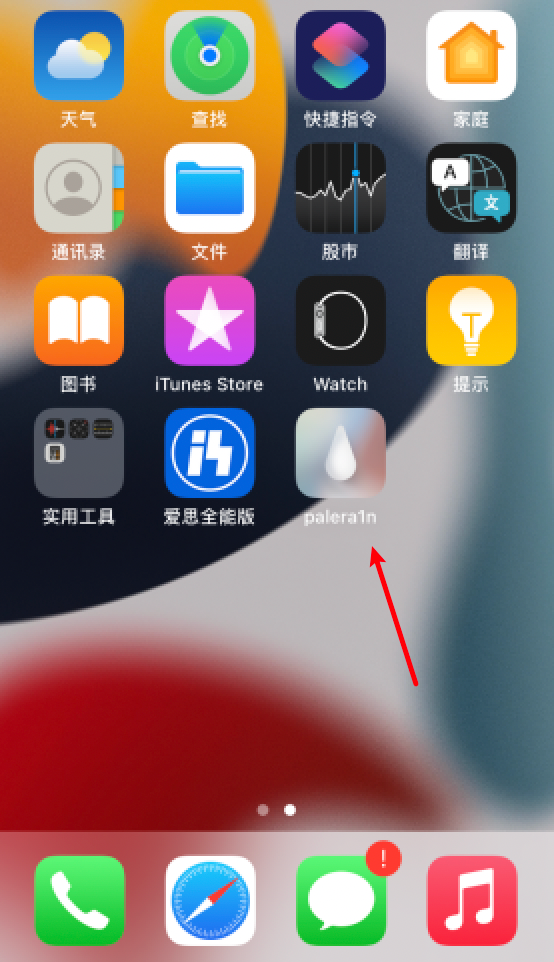
Click Palera1n icon
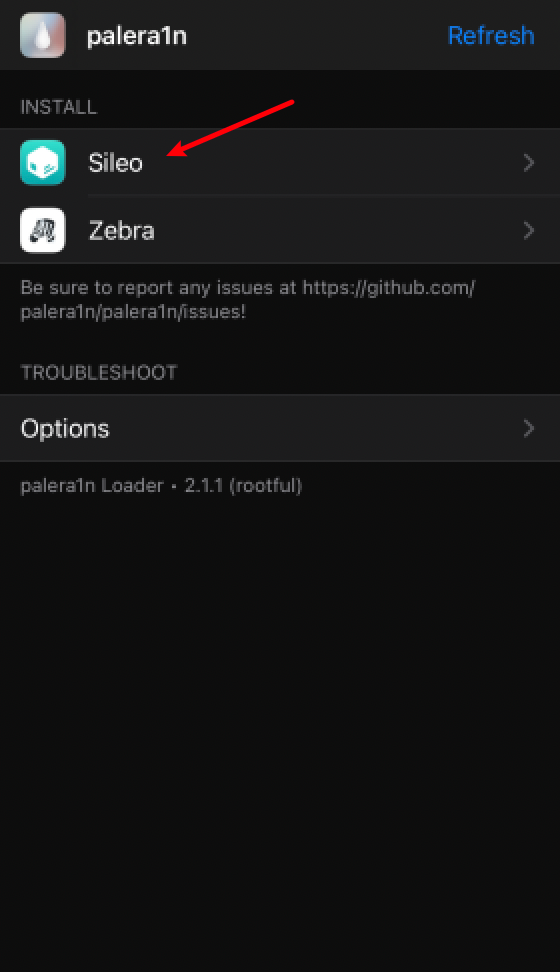
The installation of Sileo Shop and Zebra Shop menu appears, click on the installation of Sileo Shop
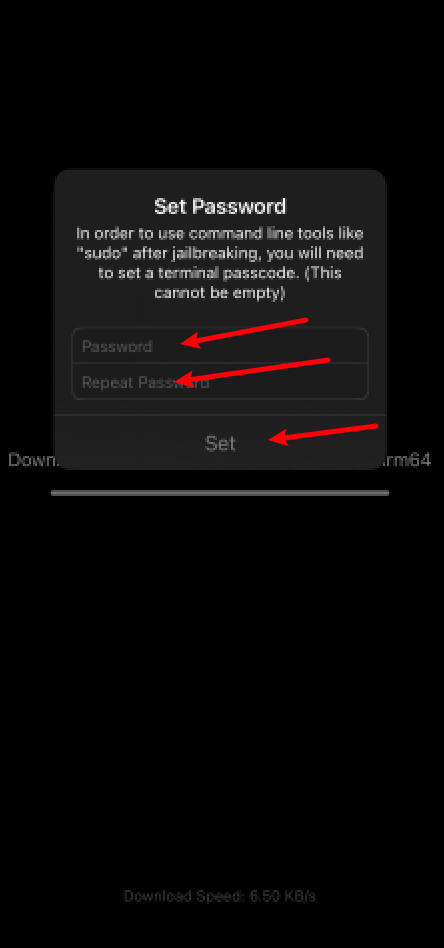
After the Sileo store is installed, you will pop up the root password input box and fill in any two characters.For example, we'll have to fill in six.
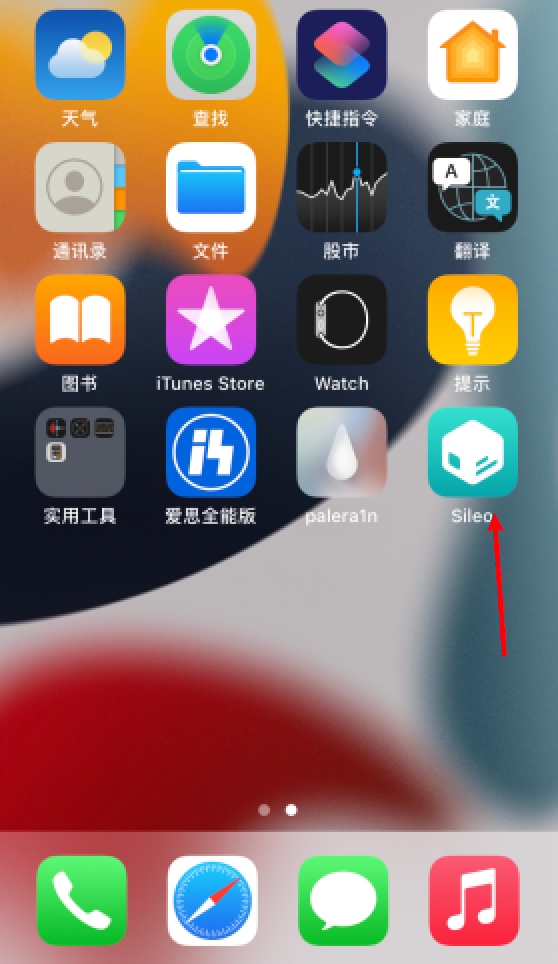
Installation complete. Desktop displays Sileo Shop icon
First step after jailbreak has been completed, install the necessary dependencies and open Sileo first
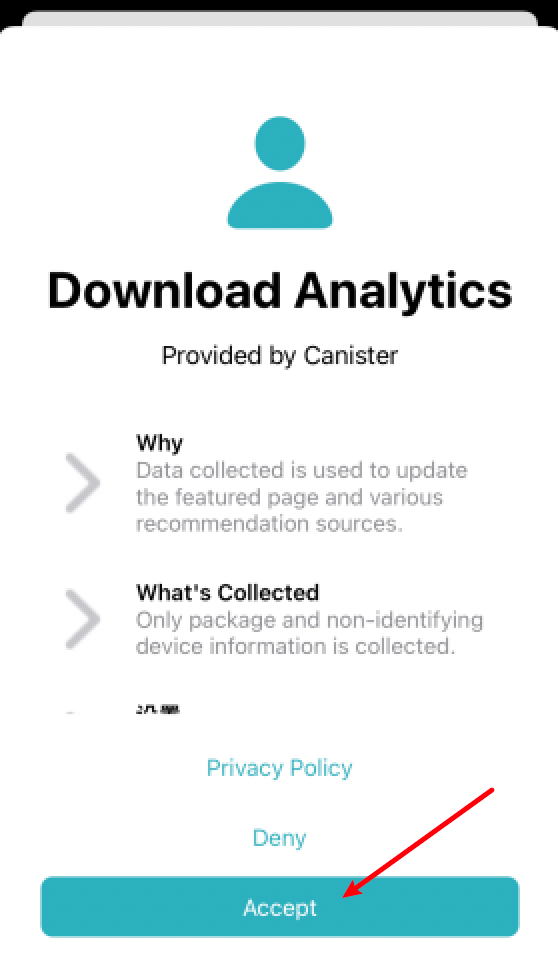
Click Accept
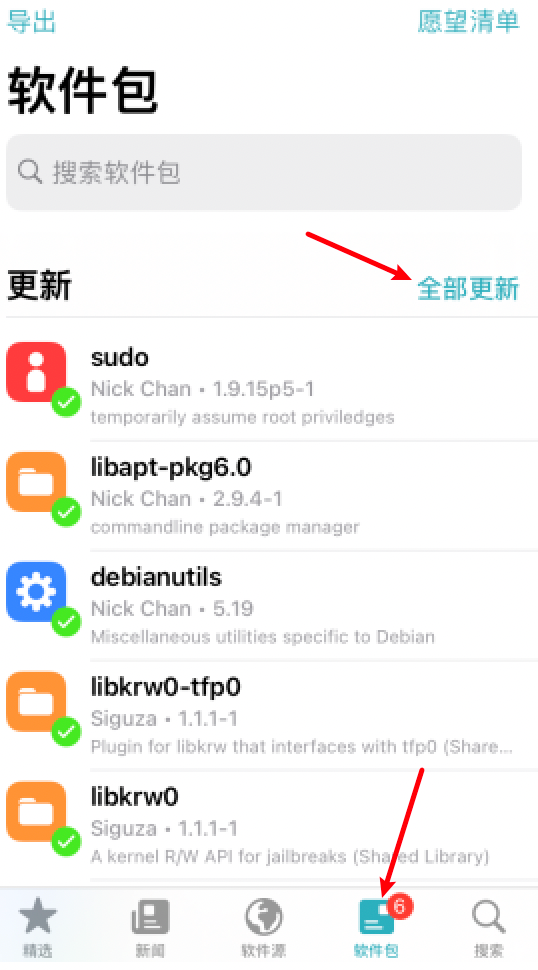
Click on Bottom Package, click on Top Update
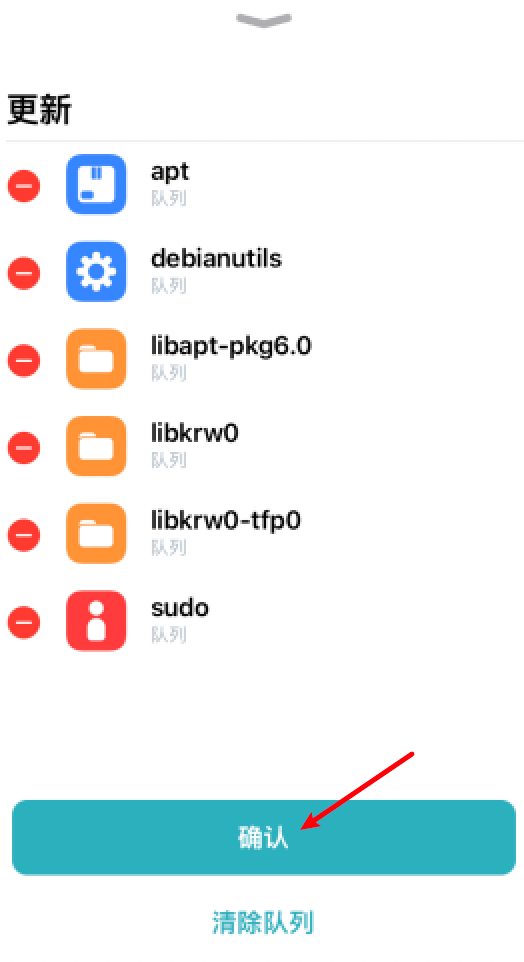
Click to confirm
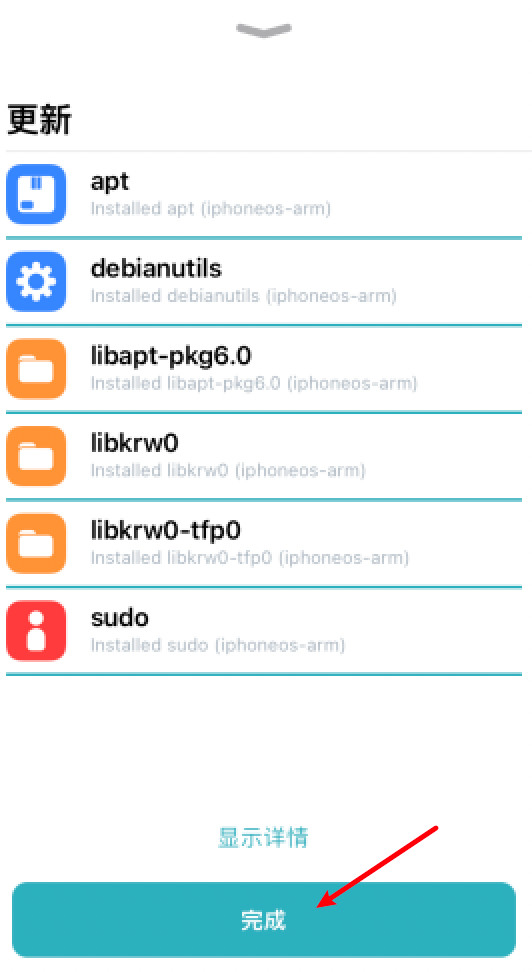
Click finished, necessary relying package update completed
After relying on package upgrades, next is the installation of the required tweak
Add BigBoss Source
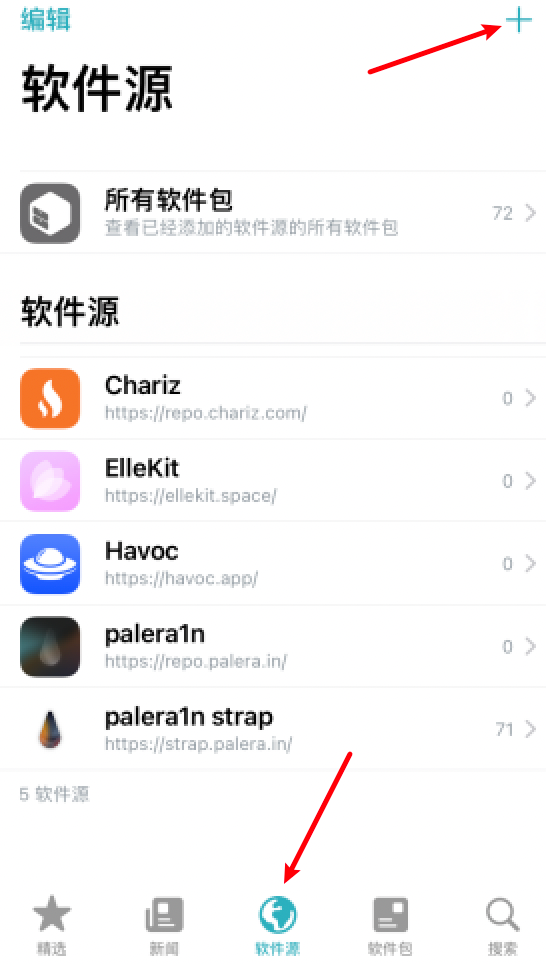
Click at the bottom repository, then click the upper right corner ➕
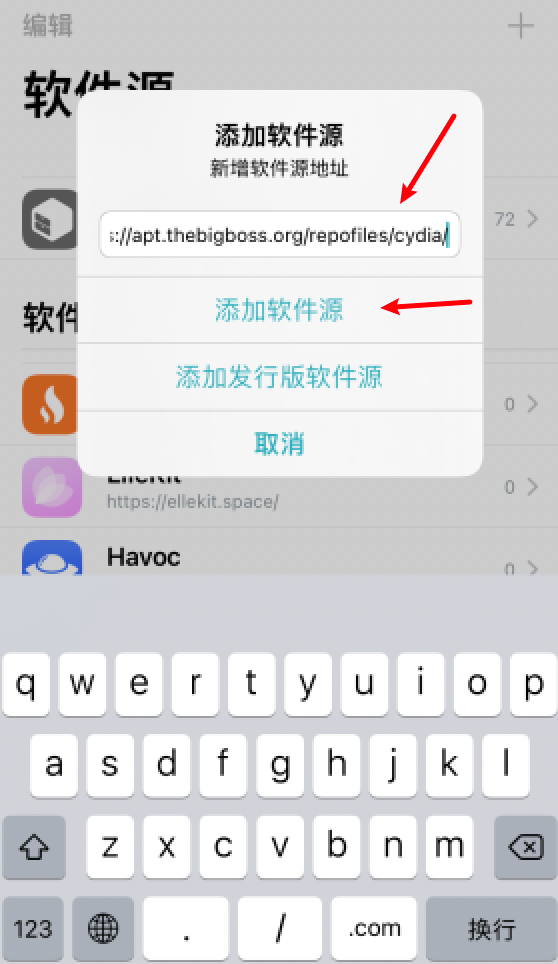
Enter in the search barapt.thebigboss.org/repofiles/cydia/Copy ,Click to add repository
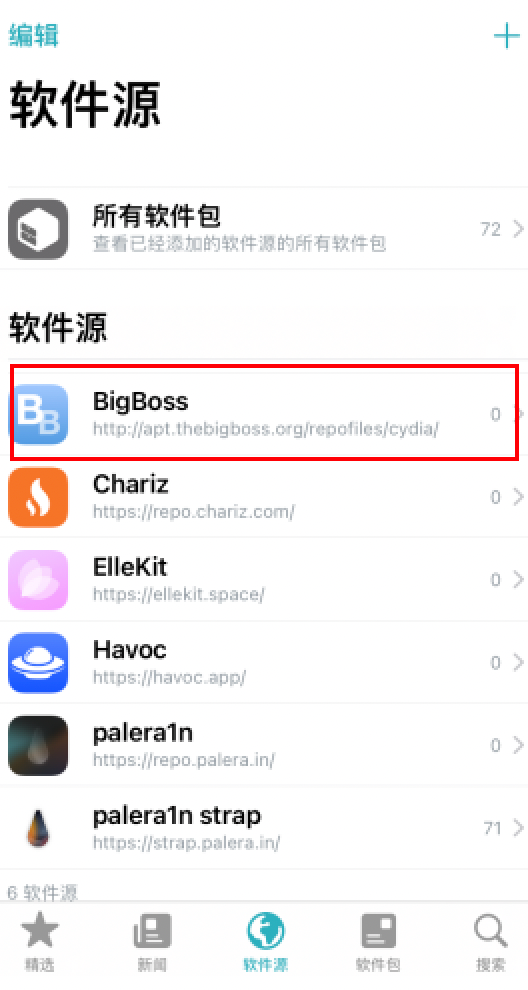
Add the BigBoss source, with a lot of tweak that might be used later.
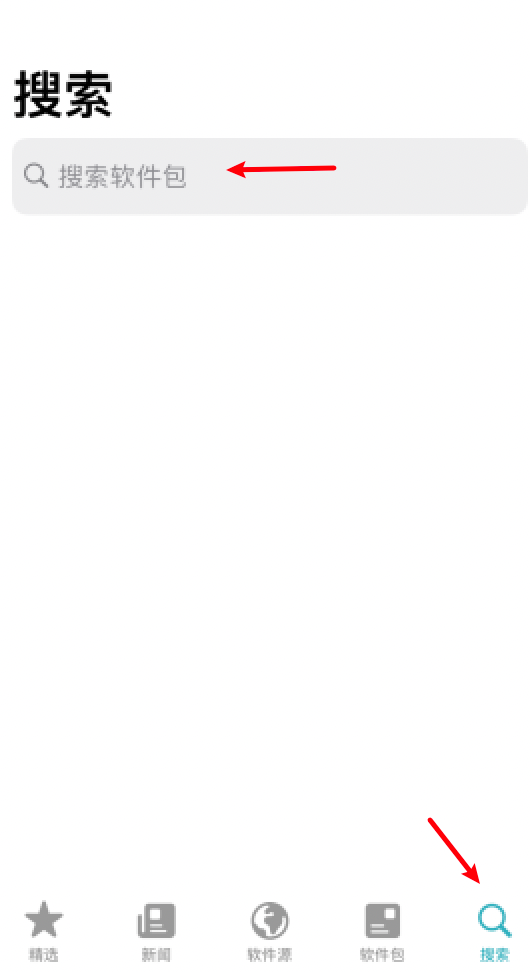
Click on the bottom right Search Click on the search bar and enter afc2 (Apple File Conduit "2" for viewing the jailbreak file system after ZXZ) when connecting to the computer)
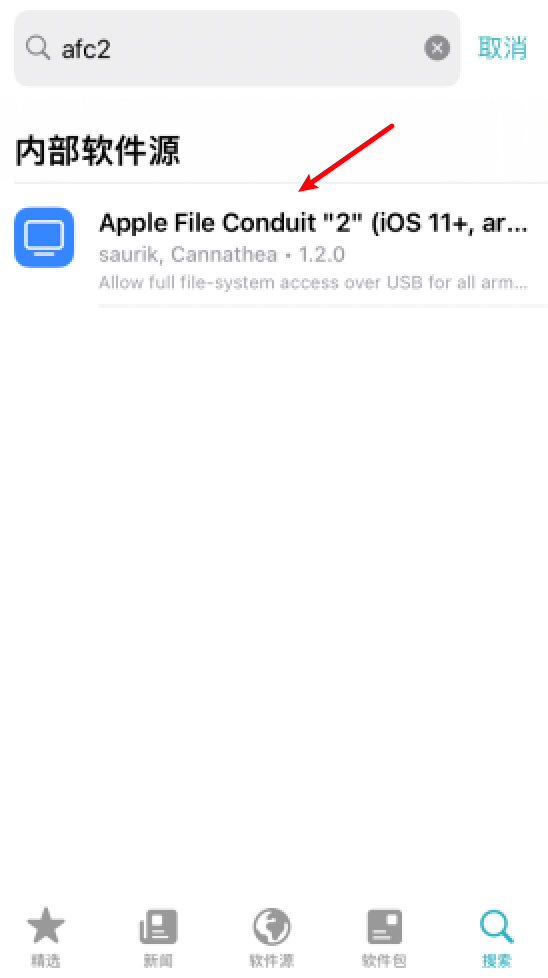
Click Apple File Conduit "2"
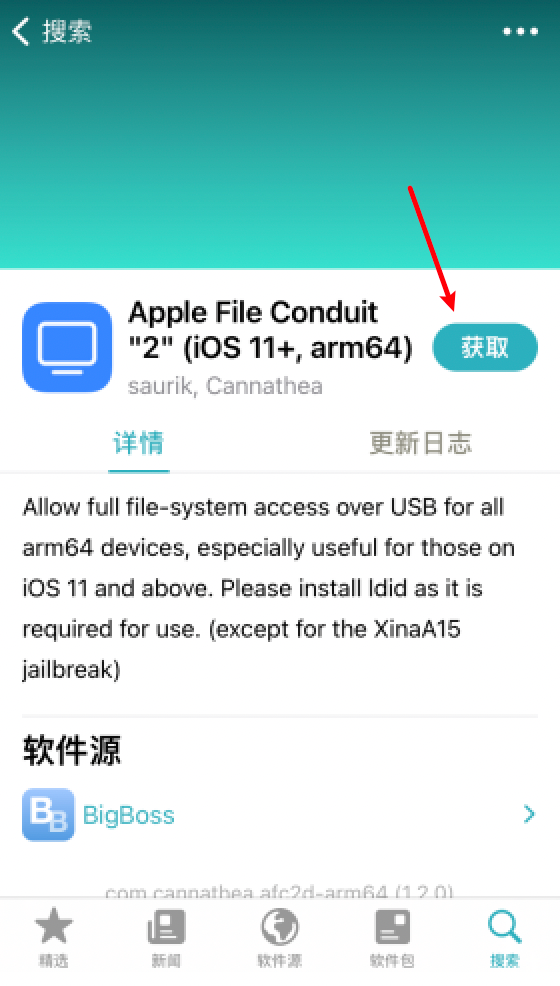
Click Get, Click Queue
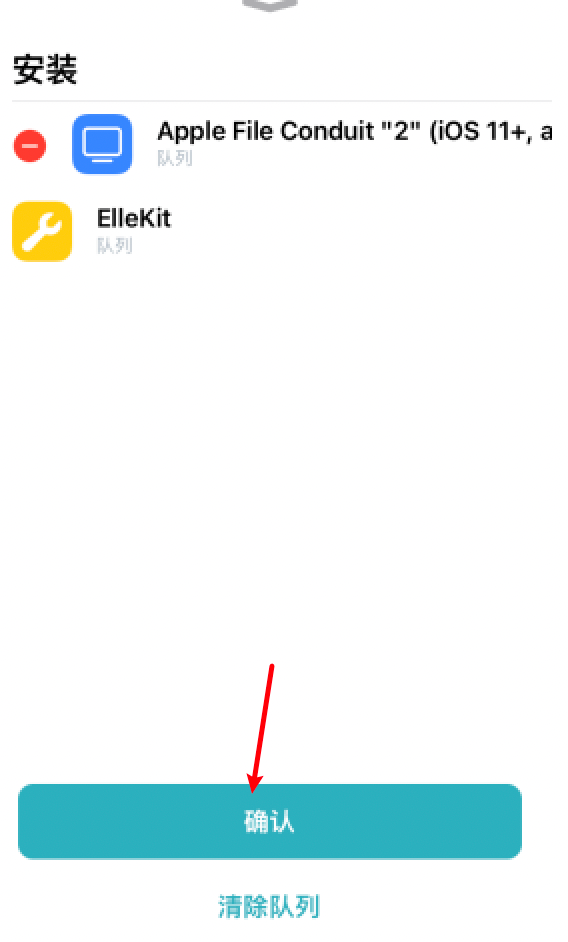
Click to confirm that ElleKit base plate will be installed at the same time (all jailbreak tweak work-dependent)
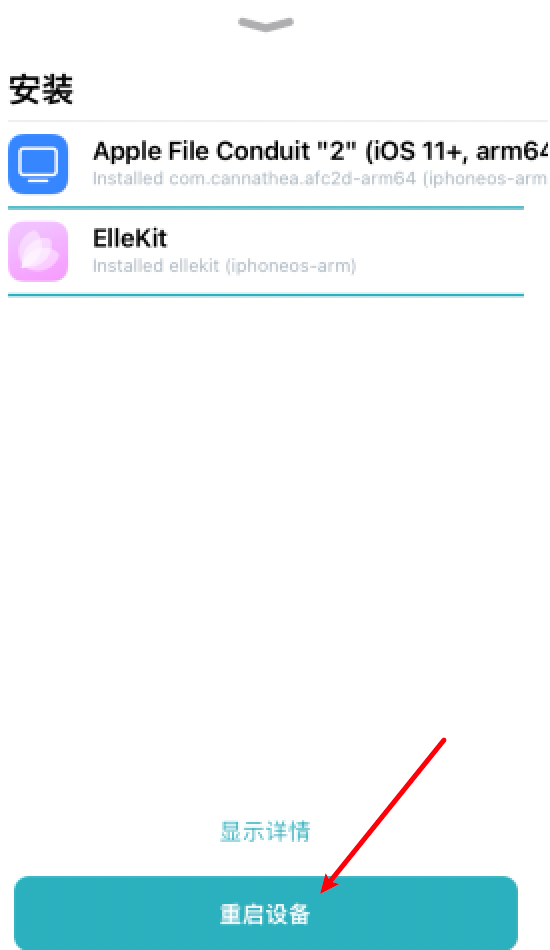
Click Restart DeviceIt wasn't actually restarted, it was just written off.Then you can see jailbreak in Aeth's assistant.
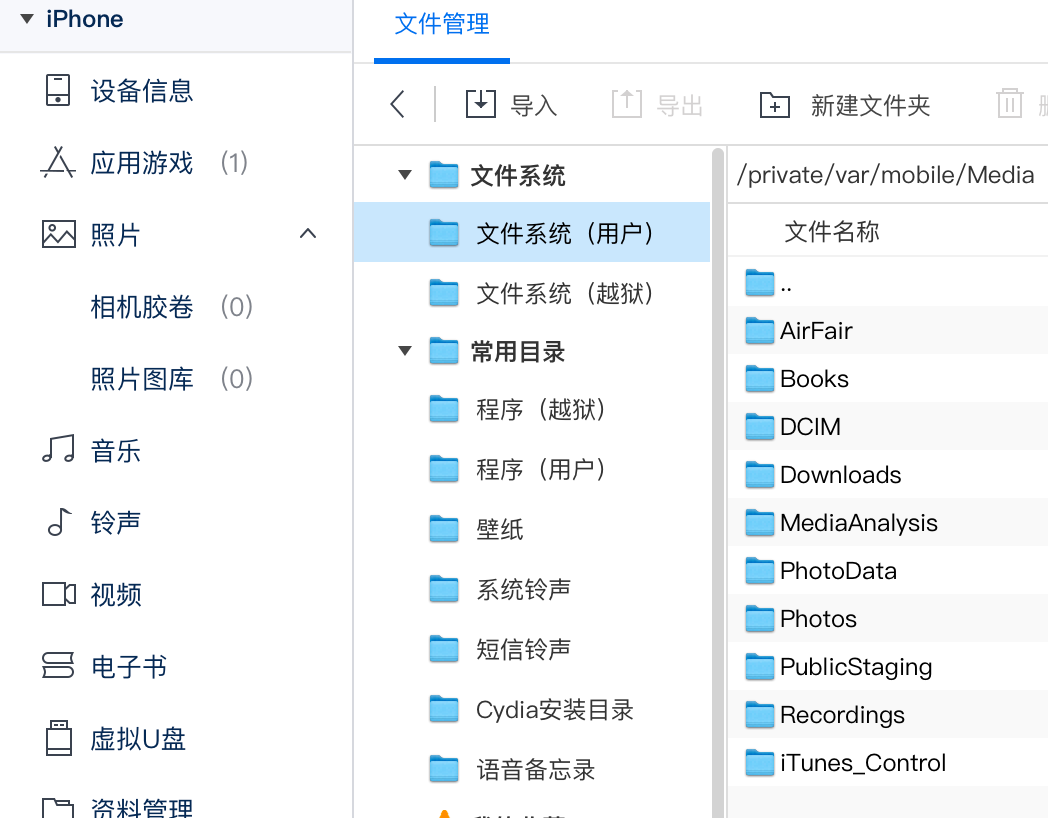
Other jailbreak post-ZXZ"jailbreak"
Notes:
(1) This jailbreak is imperfect jailbreak and must be reconnected to the computer every time the device is restartedpalera1n -fCopy Guide jailbreak;
(2) For equipment with a 16G storage capacity, use the first jailbreakpalera1n -f -BCopy to create partitions (so created with a smaller size)
How to Remove jailbreak
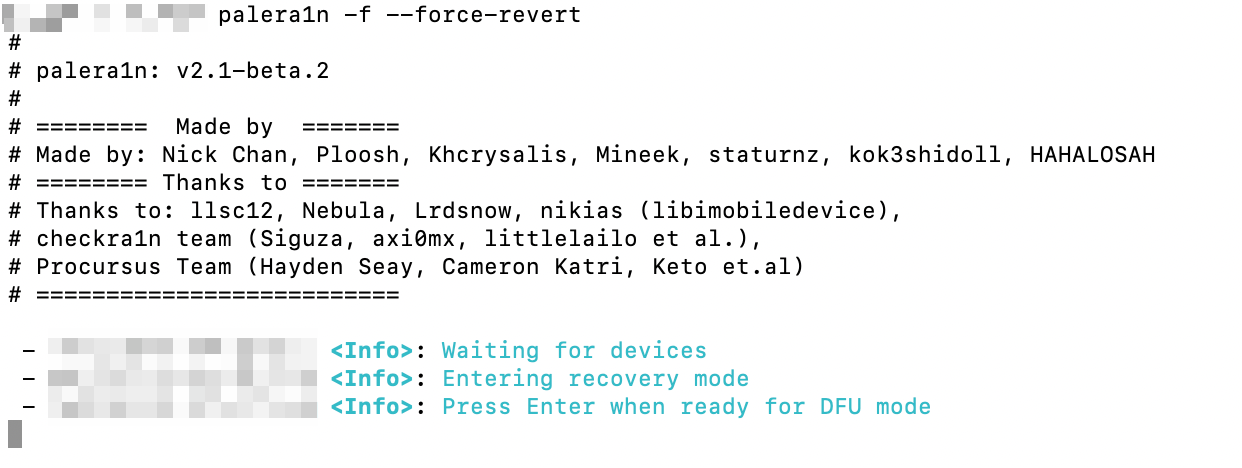
Data line connector, open terminal, command lineInput palera1n -f --force-revertCopy Get back to the car and start the palera1n.
This is when the device enters the recovery mode and the DFU mode follows the previous method.
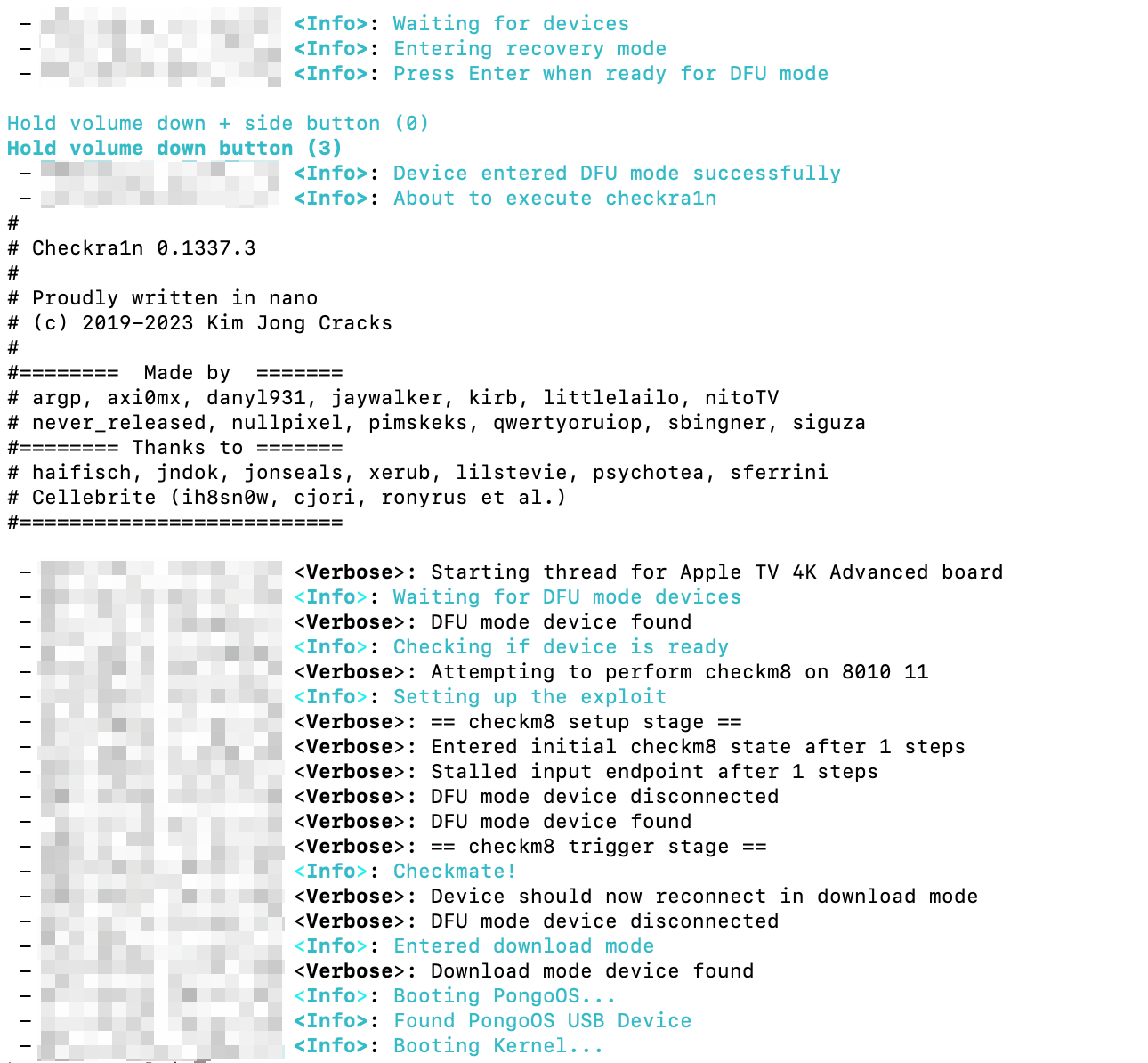
After entering DFU mode, palera1n automatically executes the unmounting step and restarts the device
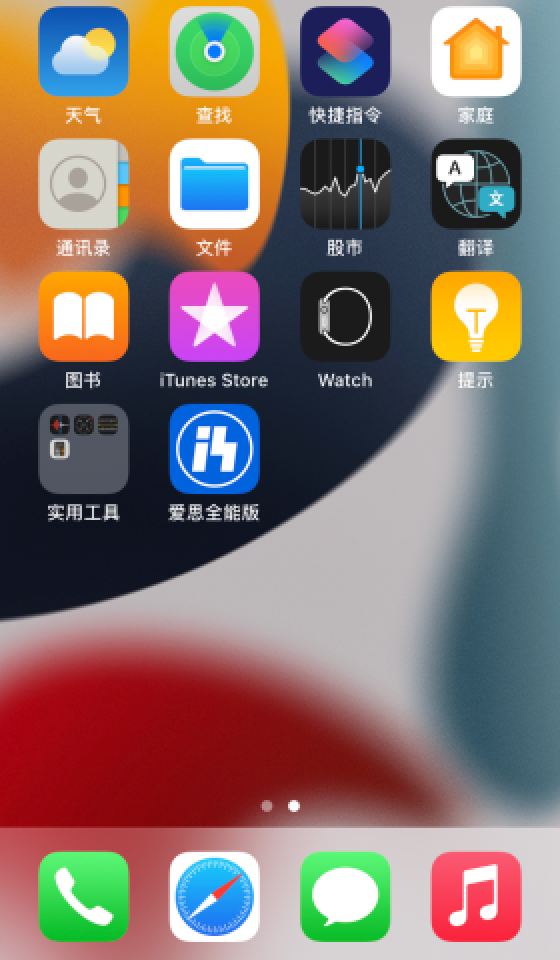
jailbreak was successfully removed from the Palera1n icon after restarting the device